features
 English /



|
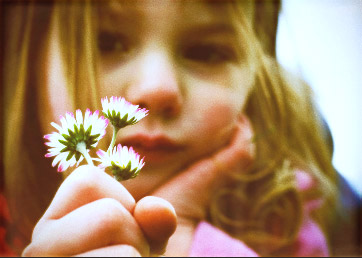
TOY CAMERA
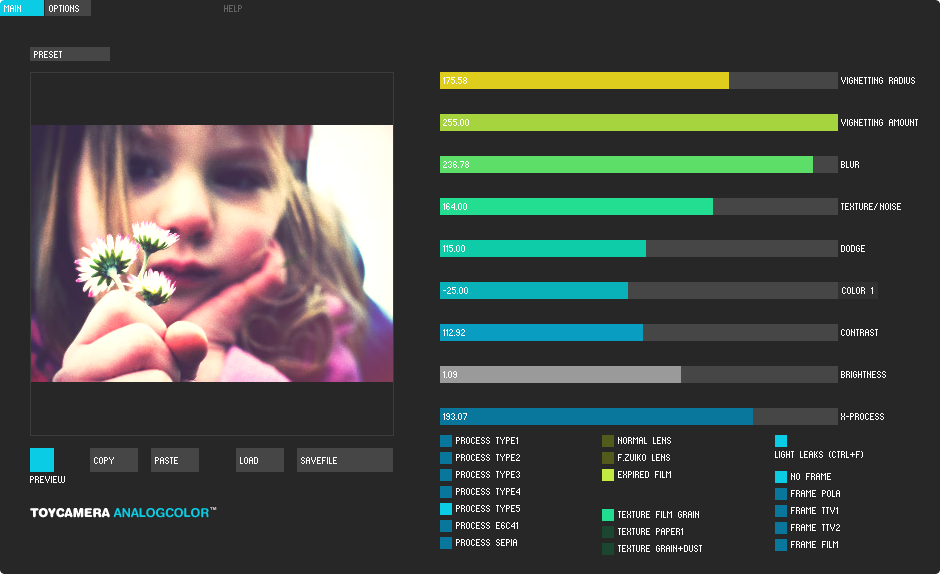
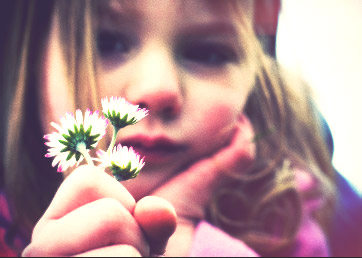
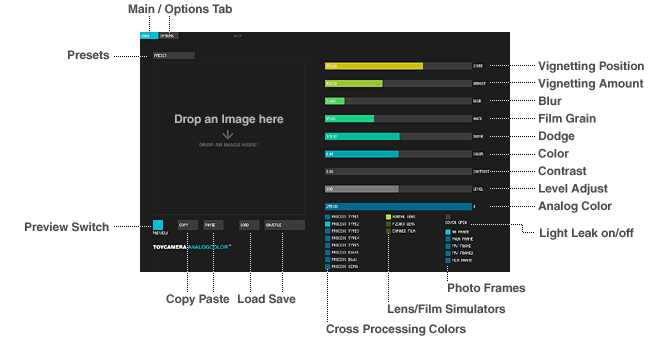
Transform your digital images to analog-like pictures. AnalogColor has a Beautiful Vignetting effect and film grain simulate. You can use Instagram like effect on your PC/Mac.
|
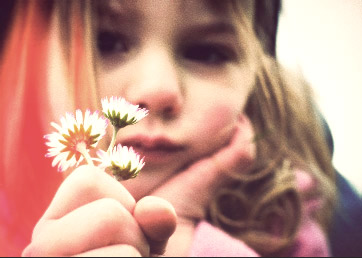
CROSS PROCESSING
You can get cross-processed* color easily.
* Cross processing is the procedure of deliberately processing photographic film in a chemical solution intended for a different type of film. |
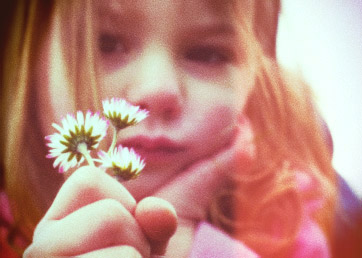
LIGHT LEAKS
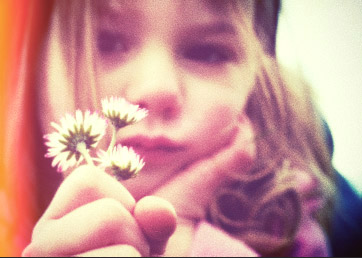
Within most cameras, Light-Leak is considered a major problem, But AnalogColor dares to simulate this fantastic effect.
|
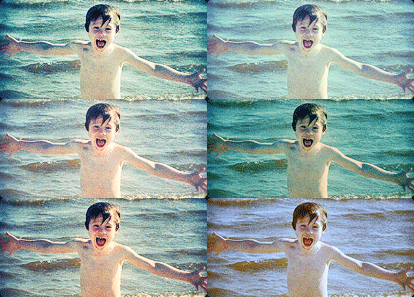
PRESETS
Default presets provide quick setup. Fine-tuned presets are easily edited for fast setup.
|
|
video
This video is for AnalogColor ver.FULL (© 2009~)
|
download
Latest version
0.8.8.1 for OS X 64bit (10.7~) 0.8.8 for Windows 0.8.8 for Windows8~10 Mirror / Archive Trial for Free! Release:2016.02.09 Notes |
Buy Now!
You may use your license-key for up to 2 PCs you own.
(It allows pc+mac, pc+pc or mac+mac.)
See:EULA / How to unlock the product / Mail Form / Twitter (@pentacom)
(It allows pc+mac, pc+pc or mac+mac.)
See:EULA / How to unlock the product / Mail Form / Twitter (@pentacom)

|
|
|
If you don't have a paypal account, Click "Pay with your debit or credit card as a PayPal guest". Normally you will receive a license-key by Email immediately after your successful purchase. Check your mailbox and spambox. |
Price
You can also use Gumroad to pay, If you can't use PayPal. Normally you will receive a license-key by Email within 15 min. after your successful purchase. |

|

|
Photos by Users
How to Use
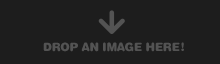 1.Drag and Drop your photo onto the window. |
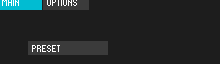 2.Try presets on the top-left corner of the window. |
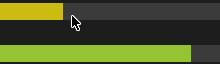 3.Adjust parameters. |
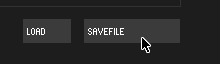 4.Click "SAVE FILE" button to store your photo. The edited photo is saved in the same folder as an original JPEG file. |
|||
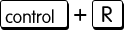 Tips.1 : Press Ctrl+R key to Randomize parameters. |
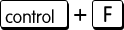 Tips.2 : When "COVER OPEN" is On, Press Ctrl+F key to Randomize light leaks. |
 Tips.3 :To save your settings, right-click anywhere on the window and select "Save Preset..." menu. |
Thanks
Sample photos
Iryna from Frickr
WhitA from Frickr
Martin Pettitt from Frickr
jesse.millan from Frickr
travlinman from Frickr
rumble1973 from Frickr
kanegen from Frickr
jenny downing from Frickr
Sample photos
Iryna from Frickr
WhitA from Frickr
Martin Pettitt from Frickr
jesse.millan from Frickr
travlinman from Frickr
rumble1973 from Frickr
kanegen from Frickr
jenny downing from Frickr
ToyCamera AnalogColor copyright © 2009~2014 pentacom.jp all rights reserved. | Contact Us | Blog | Twitter (@pentacom)
Built with Processing. / Card icons by iconshock.
Built with Processing. / Card icons by iconshock.
 |
 |
 |
 |
 |
 |
 |